Smart Auto-Recording
Monitors public streams on your tracking list 24/7. When an eligible broadcast begins, LiveHero triggers high-speed background capture automatically without touching a single button.
Manage your stream monitoring and recording workflows from one professional desktop application. Discover smart monitoring, multi-stream viewing and advanced recording management with LiveHero.
Everything you need to monitor, record, organize, and archive live streams with zero manual friction.
Monitors public streams on your tracking list 24/7. When an eligible broadcast begins, LiveHero triggers high-speed background capture automatically without touching a single button.
Instant hotkey tracking directly inside Google Chrome. While browsing supported model rooms, simply press F9 to seamlessly add the model to your desktop monitoring radar.
Watch multiple live broadcasts simultaneously inside a high-performance, low-latency video matrix with customizable 1, 4, or 9 grid layouts.
Zero installation headaches. LiveHero includes a fully integrated, hardware-accelerated FFmpeg media pipeline out of the box—no command-line setup required.
Safeguards against power outages and unexpected shutdowns. Interrupted .ts video streams are safely scanned and cleanly finalized into playable .mp4 archives.
High-resolution screenshots captured directly from the live desktop application. Click any screen to inspect in full-screen detail.
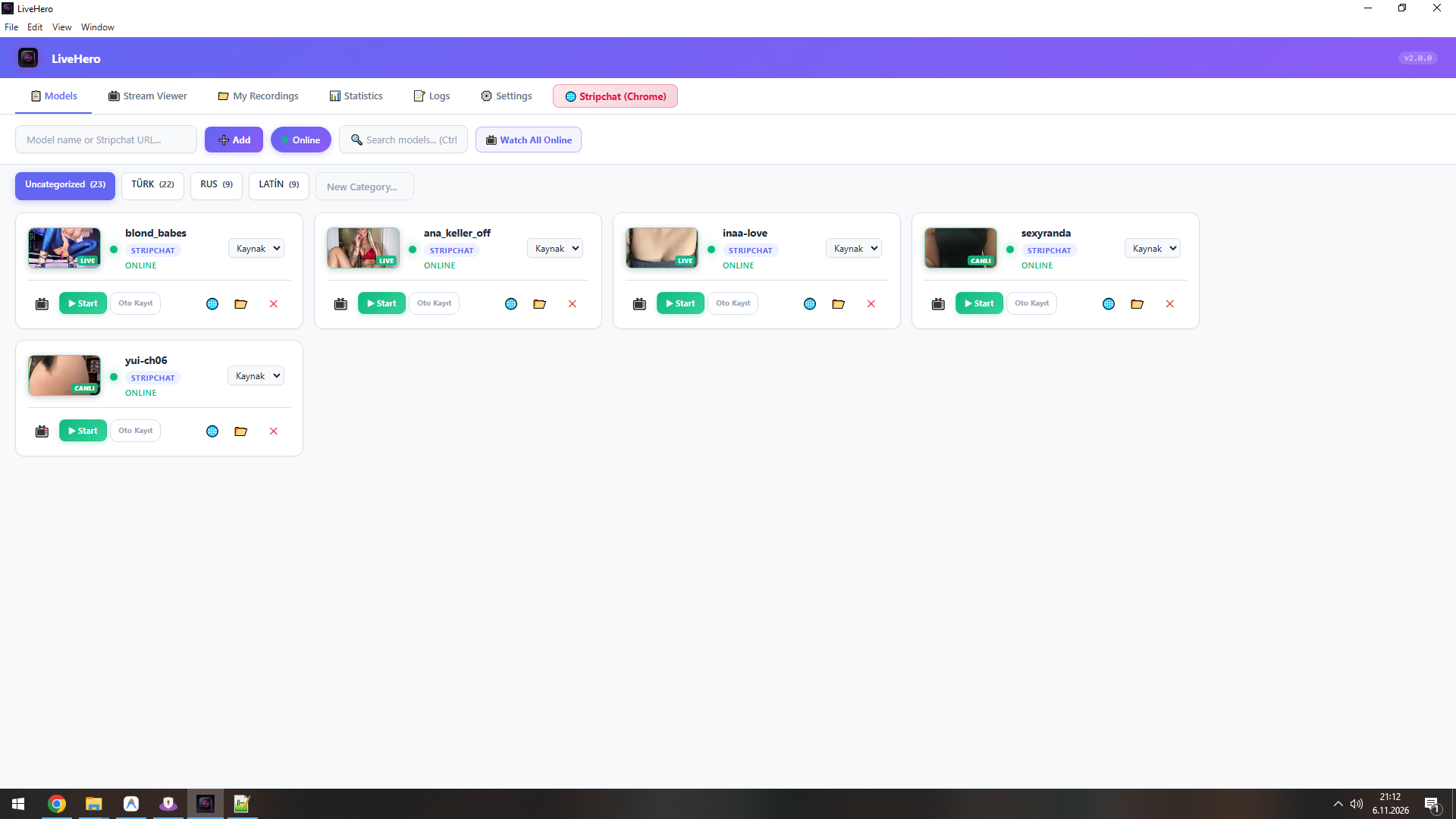
Live online status, auto-record toggles, resolution controls, and categorization.
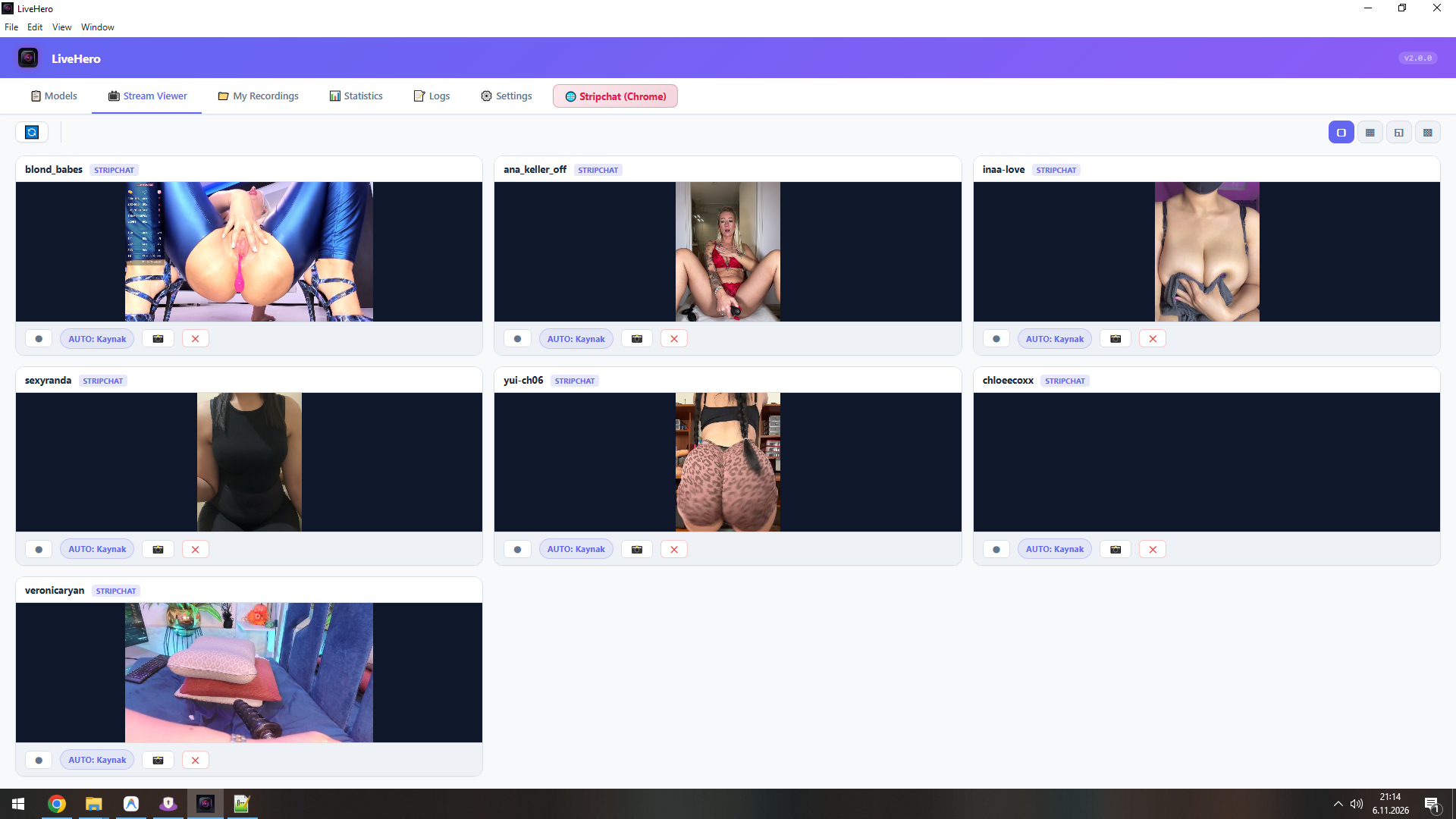
Simultaneous multi-stream watching with real-time low-latency player engine.
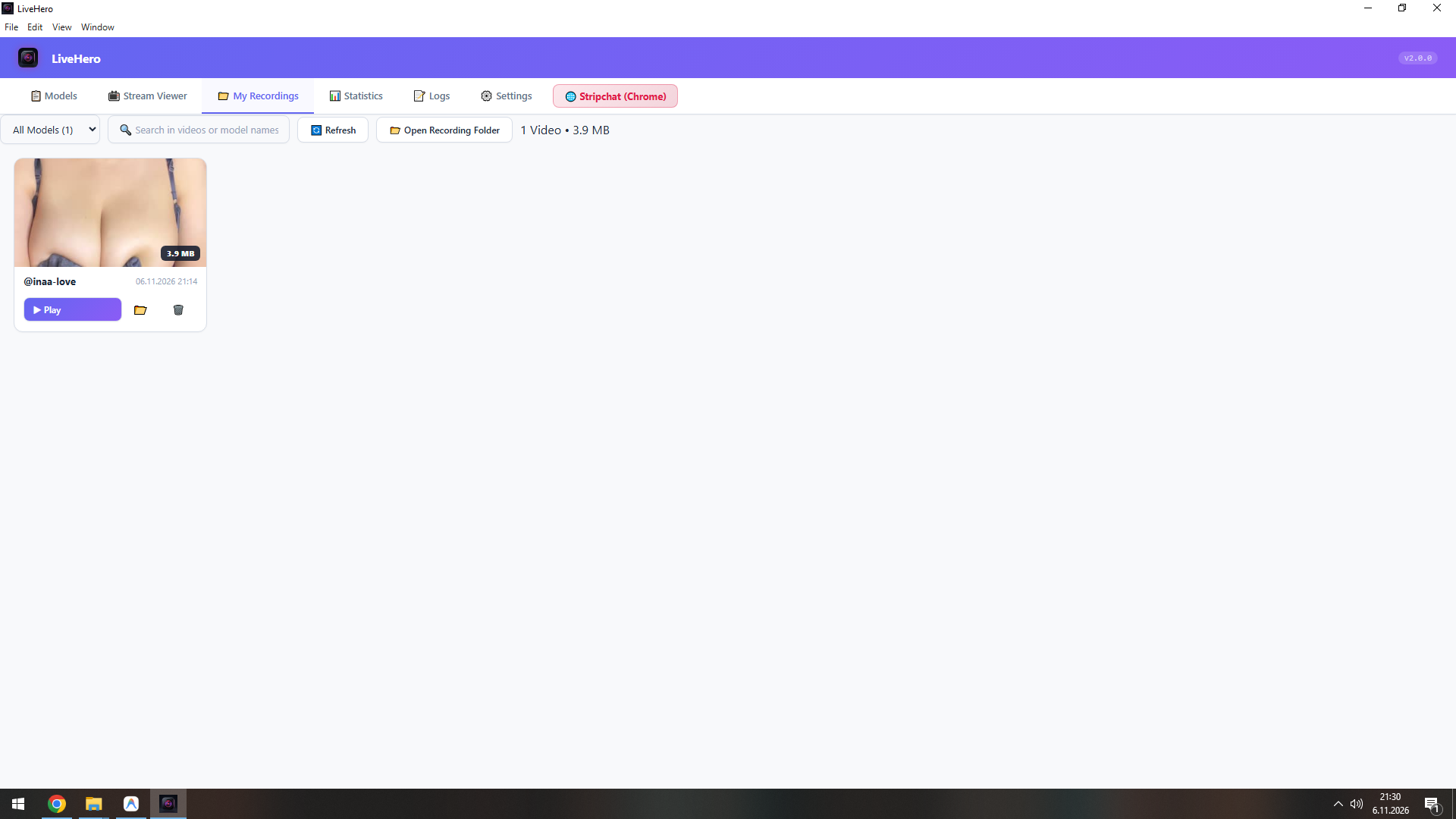
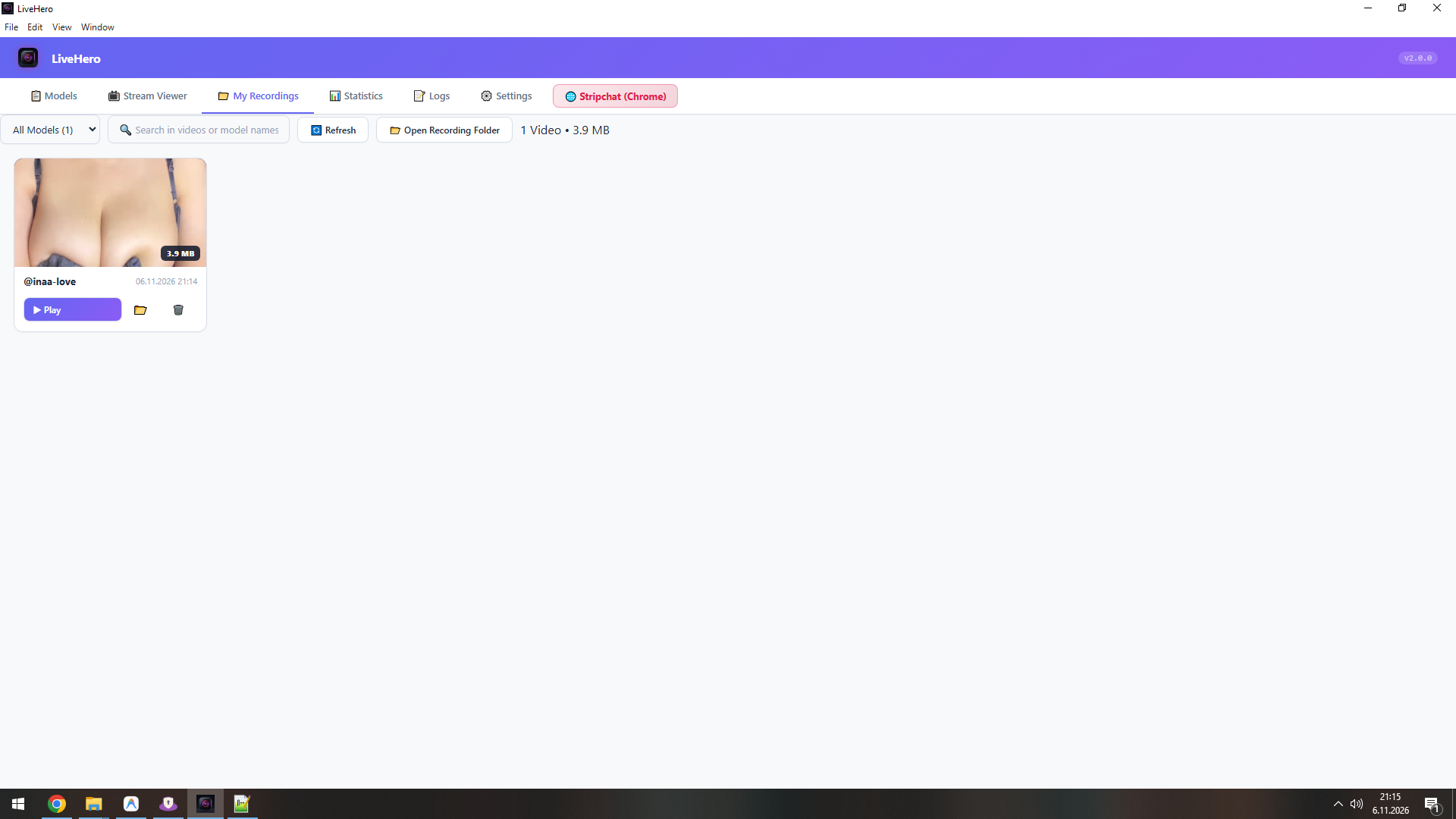
Integrated media archive with thumbnail previews, duration, and file management.
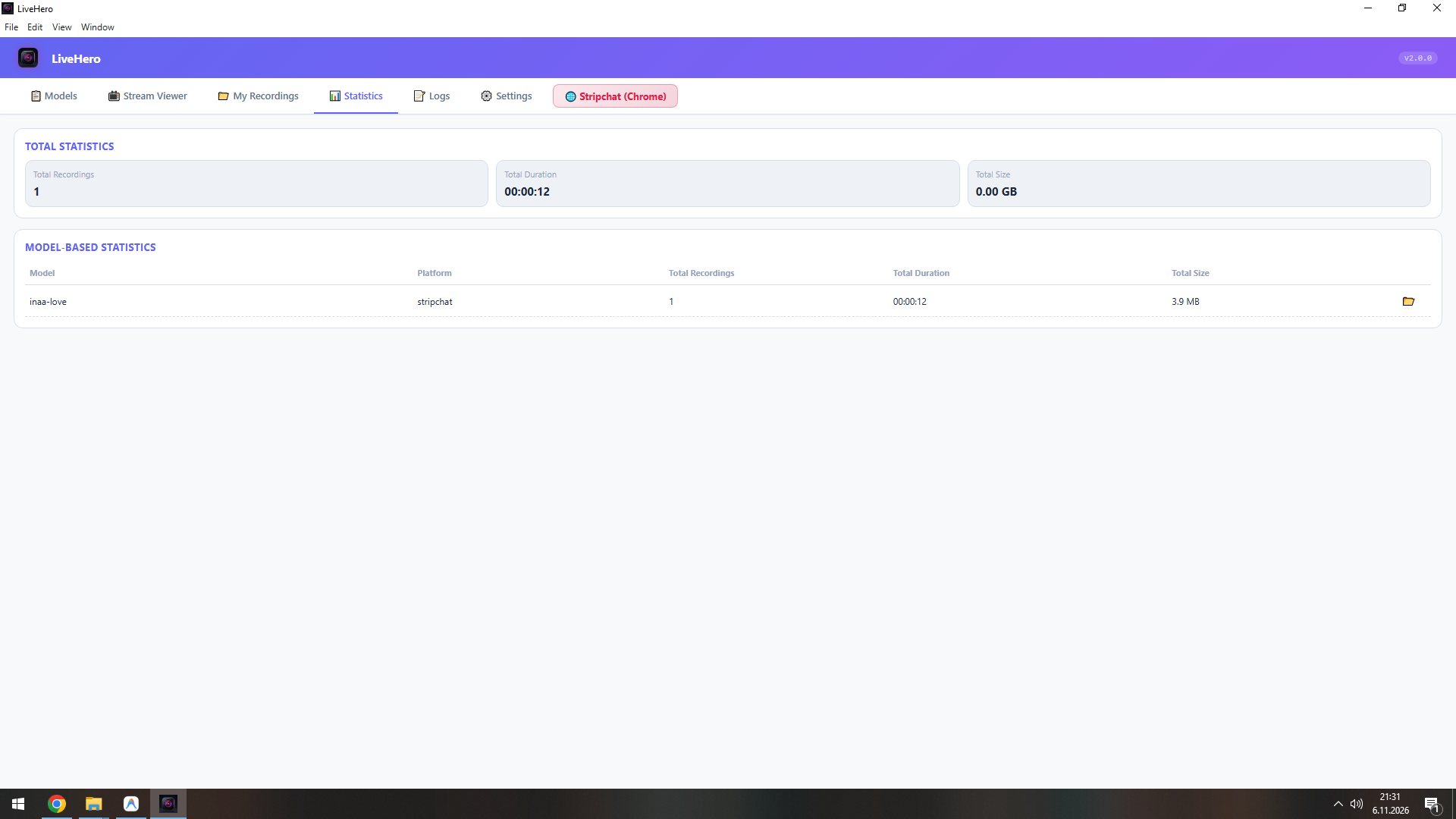
Total recording time, disk storage utilization, and top monitored model stats.
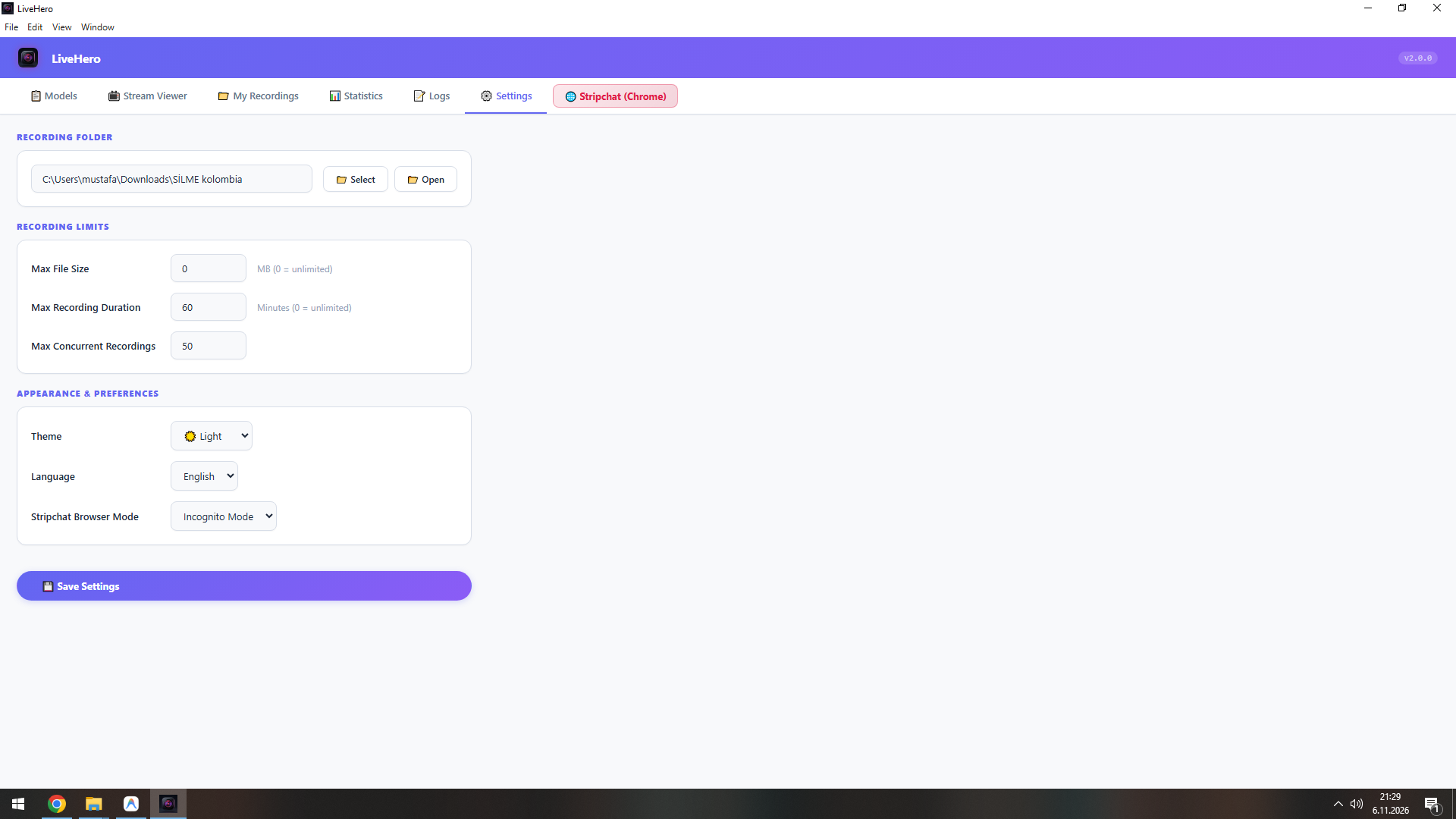
Custom recording directory, automatic file splitting, and browser privacy modes.
Integrated in-app Discord support, direct license verification, and contact center.
From download to automated 24/7 recording in less than 2 minutes.
Run the standalone installer on your Windows machine. Choose your desired destination folder and launch with zero setup requirements.
Add models directly in the app or press the F9 shortcut while browsing in Chrome to populate your monitoring watchlist.
Sit back and let LiveHero automatically capture streams in high definition, organize files, and maintain your private media library.
Lightweight architecture optimized for smooth performance on modern Windows computers.
Test all premium recording and multi-viewer capabilities on your own computer. Zero registration or credit card needed.
No recurring subscriptions, no hidden monthly charges. Pay once, own it forever.
Everything you need to know about LiveHero features, licensing, and installation.
LiveHero is a standalone Windows desktop studio built for monitoring, viewing, and automatically recording authorized live streams from supported platforms like Stripchat in high-definition (up to 1080p 60fps).
You can reach out directly via Discord (username: root610258). Once purchased or when requesting a trial, you will receive the official installer file immediately.
Yes! A trial version is available upon request on Discord so you can test all features and ensure 100% compatibility on your computer prior to purchasing.
LiveHero is built for modern 64-bit Windows operating systems, including Windows 10 and Windows 11.
No. LiveHero comes with a dedicated, bundled FFmpeg media engine pre-configured inside the installer. You do not need to download or configure any external tools.
Yes. The program features complete bilingual support (English and Turkish). You can toggle languages at any time directly in the Settings tab.
Licenses are delivered digitally and instantly via Discord. After connecting with root610258, you will receive your installer package and activation instructions.
Direct, personal technical assistance is provided on Discord by the software developer. You can get help with setup, updates, or feature requests.
For pricing, trial requests, licensing, and technical inquiries, connect with the developer directly on Discord.
Fast response time for orders and support inquiries.
LiveHero is an independent software application and is not affiliated with, endorsed by, or sponsored by Stripchat. Users are responsible for complying with applicable laws, platform terms, copyright requirements and privacy rights. Recording should only be performed where legally permitted and with all required permissions. The software must not be used to bypass access restrictions or capture private content without authorization.
LiveHero values user privacy. LiveHero is an offline-first desktop application that runs entirely on your local machine.
• Zero Telemetry: We do not collect, track, store, or sell any personal browsing information, model watchlists, or recorded videos. All media files are saved locally on your computer.
• Local Processing: Transcoding and stream processing are handled locally using your computer's own hardware resources.
For inquiries regarding software activation or data handling, contact us on Discord: root610258.
By acquiring and using LiveHero, you agree to these Terms of Service.
• Permitted Use: LiveHero is an independent utility software intended solely for lawful personal viewing and authorized stream archiving.
• Compliance: Users are strictly responsible for observing third-party platform terms, intellectual property rules, and applicable privacy laws in their jurisdiction.
• No Affiliation: LiveHero is not sponsored, endorsed by, or affiliated with Stripchat or any third-party streaming platform.